

Weak and reused passwords remain one of the easiest ways for attackers to break into accounts. Yet most of us juggle dozens of logins and simply cannot memorize a unique jumble for each one. The solution is a smarter approach rather than a better memory.
What Makes a Password Strong
Length matters more than complexity. A long password takes far longer to crack than a short one stuffed with symbols. Security experts generally recommend at least 12 to 16 characters for important accounts.
A strong password is also unique. If one website suffers a data breach, a reused password lets criminals unlock your other accounts too.
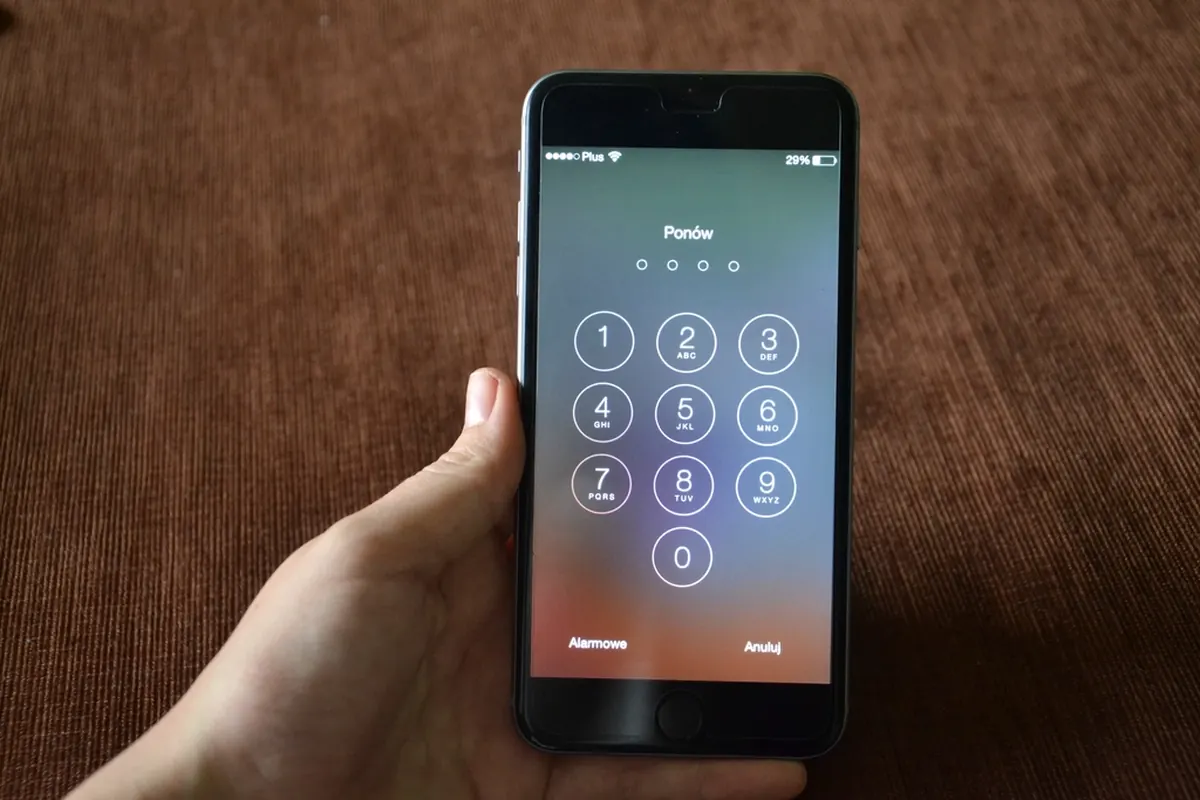
Use Passphrases Instead
A passphrase strings together several random words, such as a mental picture of a purple lamp riding a bicycle. It is long, hard to guess and much easier to remember than random characters. Follow these tips:
- Choose four or more unrelated words rather than a famous quote or song lyric.
- Add a number or symbol between words if a site requires it.
- Avoid personal details like birthdays, pet names or your street.
- Never reuse the same passphrase across different services.
Let a Password Manager Do the Heavy Lifting
A password manager stores all your logins in an encrypted vault protected by one master passphrase. It can generate random passwords, fill them in automatically and warn you about reused or breached credentials. You only need to remember a single strong passphrase.
Add a Second Layer With 2FA
Two-factor authentication asks for a second proof of identity, such as a code from an authenticator app or a physical security key. Even if your password leaks, an attacker still cannot log in without that second factor. Turn it on for email, banking and social media first.
Discover more practical guides in our technology section, and keep up with fresh tips on Ztoog.com.
Conclusion
Strong passwords are long, unique and memorable when you use passphrases. Pair them with a password manager and two-factor authentication, and you will close the door on most common account attacks.